This software is best used on a desktop computer. It's a very resource hungry application. SMART Technologies has made  for this purpose.

Back to Jefferson County School District - IT
Back to SMART Tech Home
This software is best used on a desktop computer. It's a very resource hungry application. SMART Technologies has made for this purpose.
Click on the ⓘ to View site information at the beginning of the address bar. Then, drop down the Flash: Ask (default) to select Allow. Reload the page. Video - HERE.
1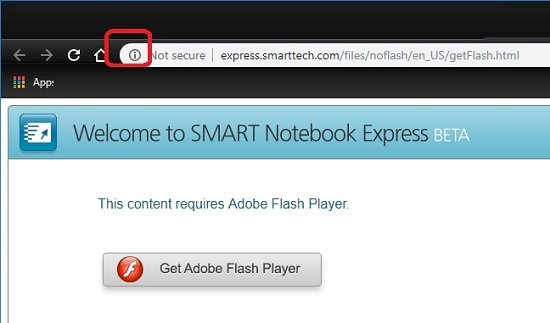 1
1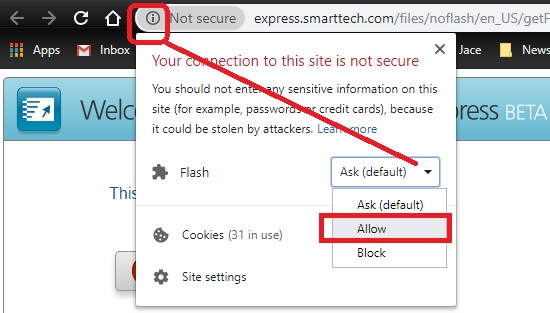 2
2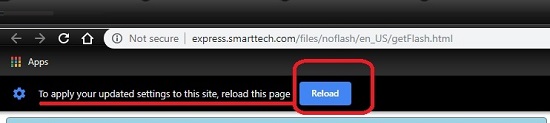 3
3
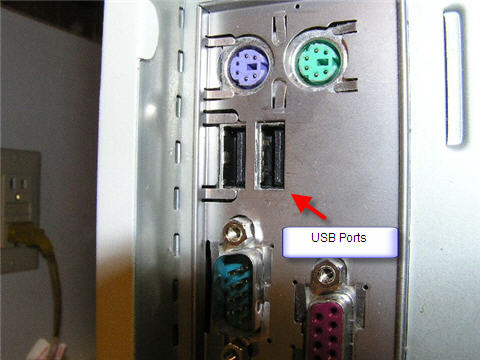
Unplug the USB cable on the computer that comes from the SMART board/wall and plug it into a different USB port on the computer.
You might also try restarting your computer.
If this doesn't fix your issue, then please submit a ticket.
Clean the reflective sill of the board above the pen tray of dust. The sensor/cameras in the corners cannot see the reflection because of the dust.
If this doesn't fix your issue, then please submit a ticket. 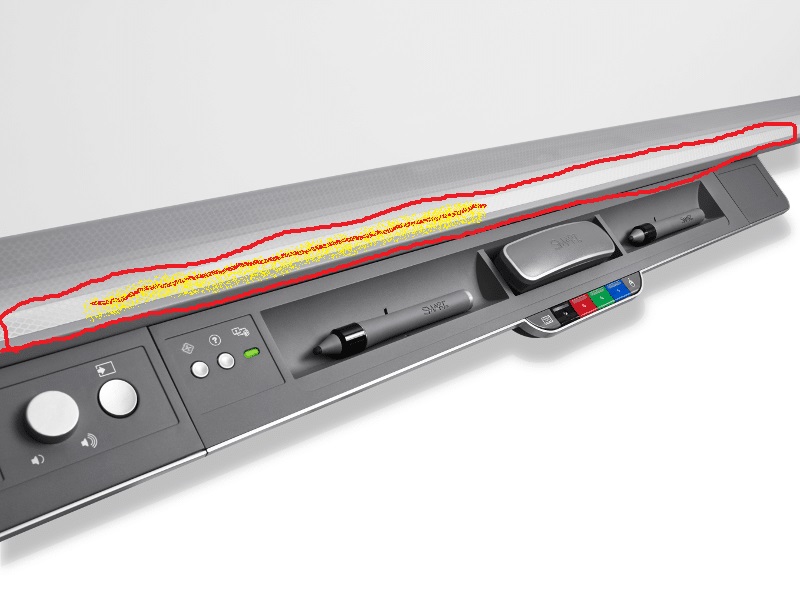
You might have a projector that is failing. Please submit a help desk ticket.
Make sure your video cable is firmly seated/connected in it's socket. Tighten the screws to make sure. These are often not tightened.
If this doesn't fix your issue, then please submit a ticket.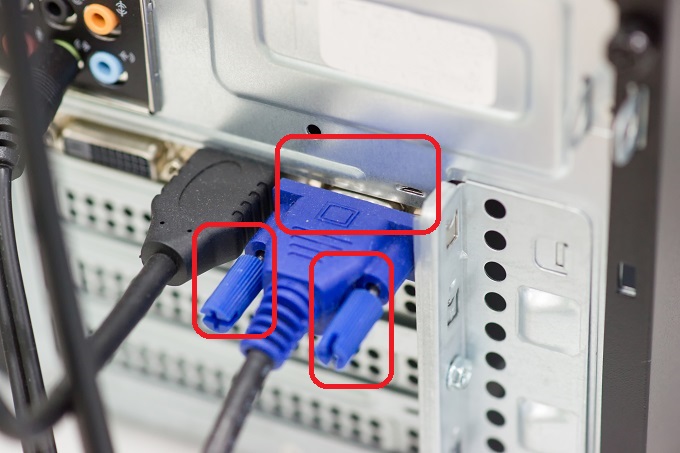
You might need to activate your SMART Learning Suite subscription. Please submit a help desk ticket.
*WSK8 refers to the smart boards that are in Warm Springs K-8.
Older Troubleshooting Guide